
Your phone isn't hard to put down because you're weak. It's hard to put down because thousands of very smart people were paid to make it that way — bright colors, red badges, bottomless feeds. So one of the most effective moves for using it less is almost funny in its simplicity: make your phone boring on purpose.
The idea is to strip out the little hooks that pull you back, so picking up your phone stops delivering a small hit of stimulation for no reason. Here's how.
1. Turn on grayscale
This is the big one. Color is a huge part of what makes apps feel rewarding — that red notification dot, the bright icons, the vivid thumbnails. Switch your screen to grayscale and the whole phone suddenly feels flat and clinical. You'll still use it for what you need; you just stop reaching for it as a toy.
Most phones let you set grayscale as an accessibility shortcut (triple-click the side button) so you can toggle it. Try full grayscale for a week and notice how much less the phone calls to you.
2. Clear your home screen
Your home screen should be a tool, not a casino. Move every social and feed-based app off it — into a folder, on the last page, or gone. Keep only boring utilities on page one: phone, maps, camera, calendar. If opening a feed requires searching for it, half your automatic opens just... don't happen.
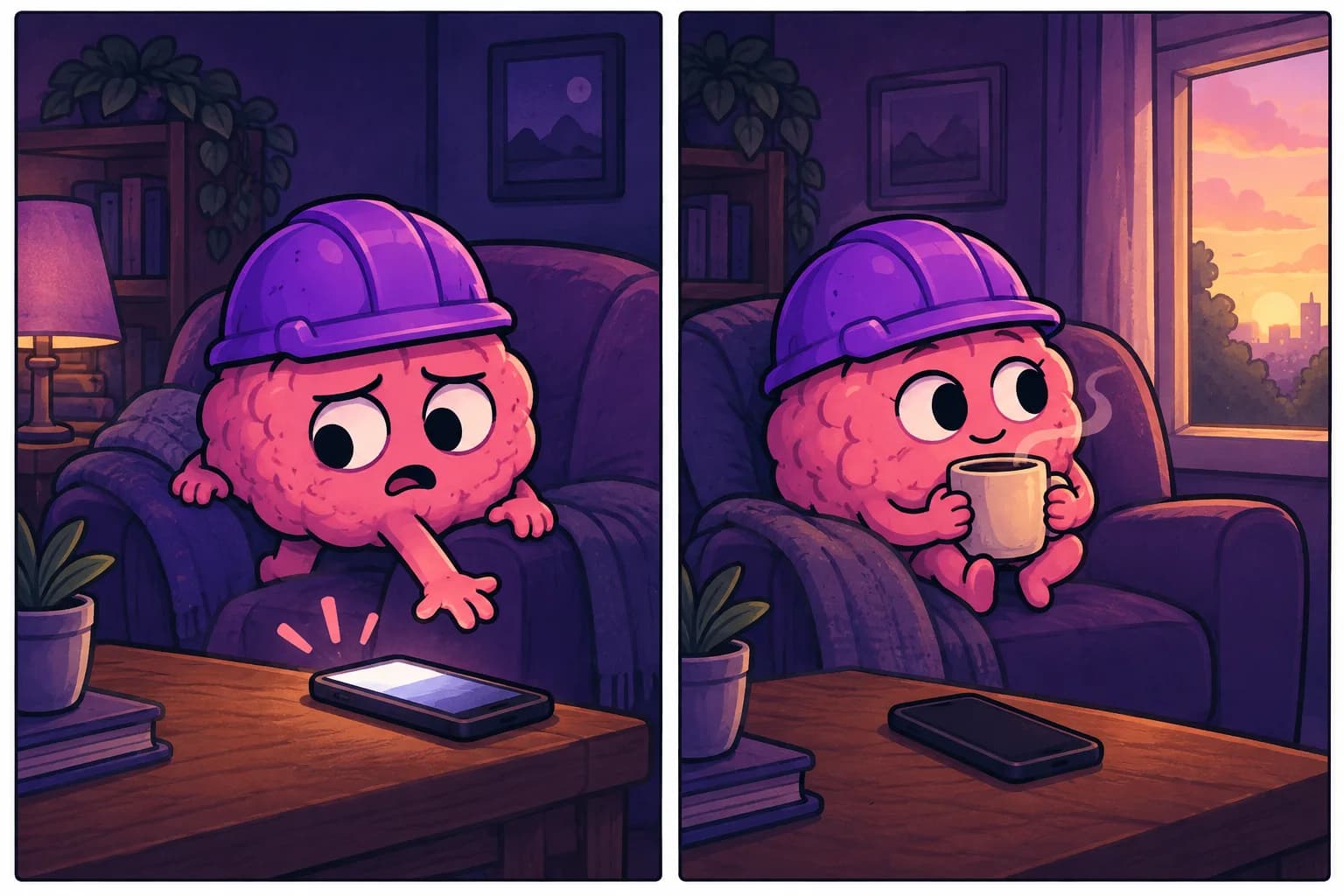
3. Kill the badges and most notifications
Red badges are engineered to feel like unfinished business. Turn them off for everything that isn't a real person messaging you. Same with banner notifications — the fewer interruptions pulling you in, the fewer "I'll just quickly check" spirals.
4. Add friction to the feed apps
- Log out of social apps so re-entry takes effort.
- Delete the worst offender from your phone and use it only in a browser.
- Set app timers — not as a hard block, but as a speed bump that makes you pause.
Small friction works because most scrolling is automatic. Two seconds of "ugh, I have to log in" is often enough for the reflex to lose.
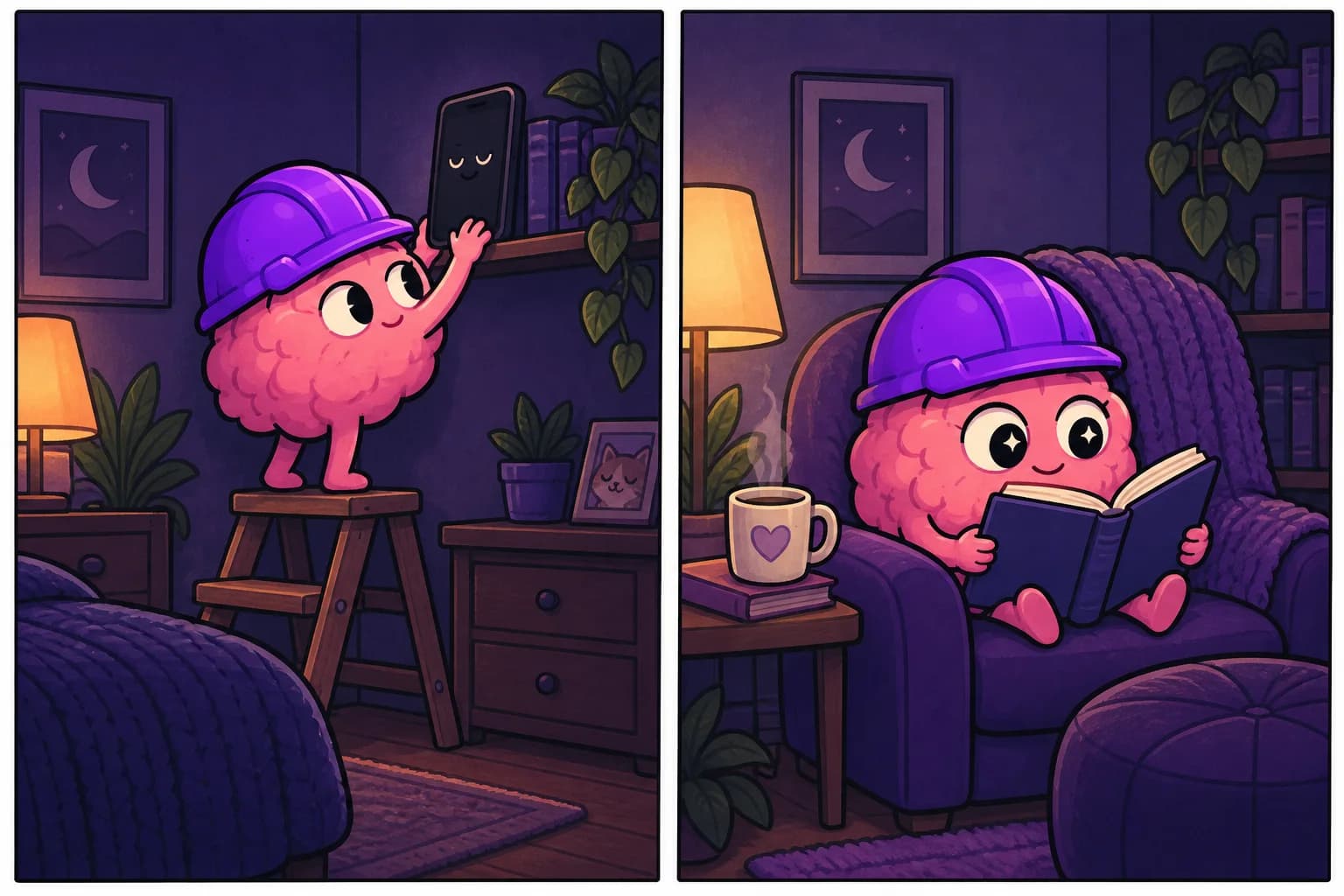
5. Make the analog option closer
Boring phone + nothing else to do still loses sometimes. So keep a book, notebook, or anything mildly interesting physically closer than your phone in the spots you scroll most — the couch, the nightstand, your bag. Make the good option the easy one.
Why boring works
You're not relying on willpower — you're changing the environment so the phone stops being the path of least resistance. This pairs perfectly with having something to do instead; we cover that in what to do instead of scrolling and the broader loop in how to stop doomscrolling.
A boring phone doesn't feel like deprivation after a few days. It feels like quiet. The phone becomes a tool you pick up on purpose, instead of a slot machine you reach for out of habit.
And when you do catch yourself reaching anyway, UghOkay hands you one small thing to do instead — the redirect that makes the boring phone actually stick.
FAQ
Does grayscale really reduce screen time? Many people find it noticeably cuts idle pickups, because it removes the color-based reward that makes browsing feel good. It's one of the highest-impact, lowest-effort changes.
Won't a boring phone make it annoying to use? For the things you actually need, no — calls, maps, camera still work fine. It only removes the pull toward mindless use.
What's the fastest single change? Grayscale plus moving social apps off your home screen. Together they remove most of the automatic, no-reason pickups in one go.