
You didn't decide to open the app. Your thumb just did it. You're back in the feed and you're not even sure how. If you're looking for what to do instead of scrolling, the trick isn't willpower — it's having something ready for that exact reflex moment.
Because that's the thing: "stop scrolling" is a command with no destination. Your brain reached for the phone to fill a gap, and if there's nothing else to reach for, it wins every time. The fix is a redirect, not a ban.
Why "just stop" fails
Willpower is a bad tool for something that happens 80 times a day, most of it automatic. Blocking apps can help a little, but a locked door with nowhere else to go just makes you rattle the handle. What actually works is giving the reflex a different, easier target — one small thing to do instead.
We cover the mechanics of the loop in how to stop doomscrolling. Here we're focused on the replacement.
The one-thing rule
Pick one small thing you'll do instead of scrolling, and make it stupidly easy. Not a five-step routine. One thing. When the urge hits, you do the one thing. That's it.
Good "one things" share three traits: they're quick to start, they don't require setup, and they give you a tiny bit of the same relief scrolling promised (a break, a hit of interest, a moment of calm).
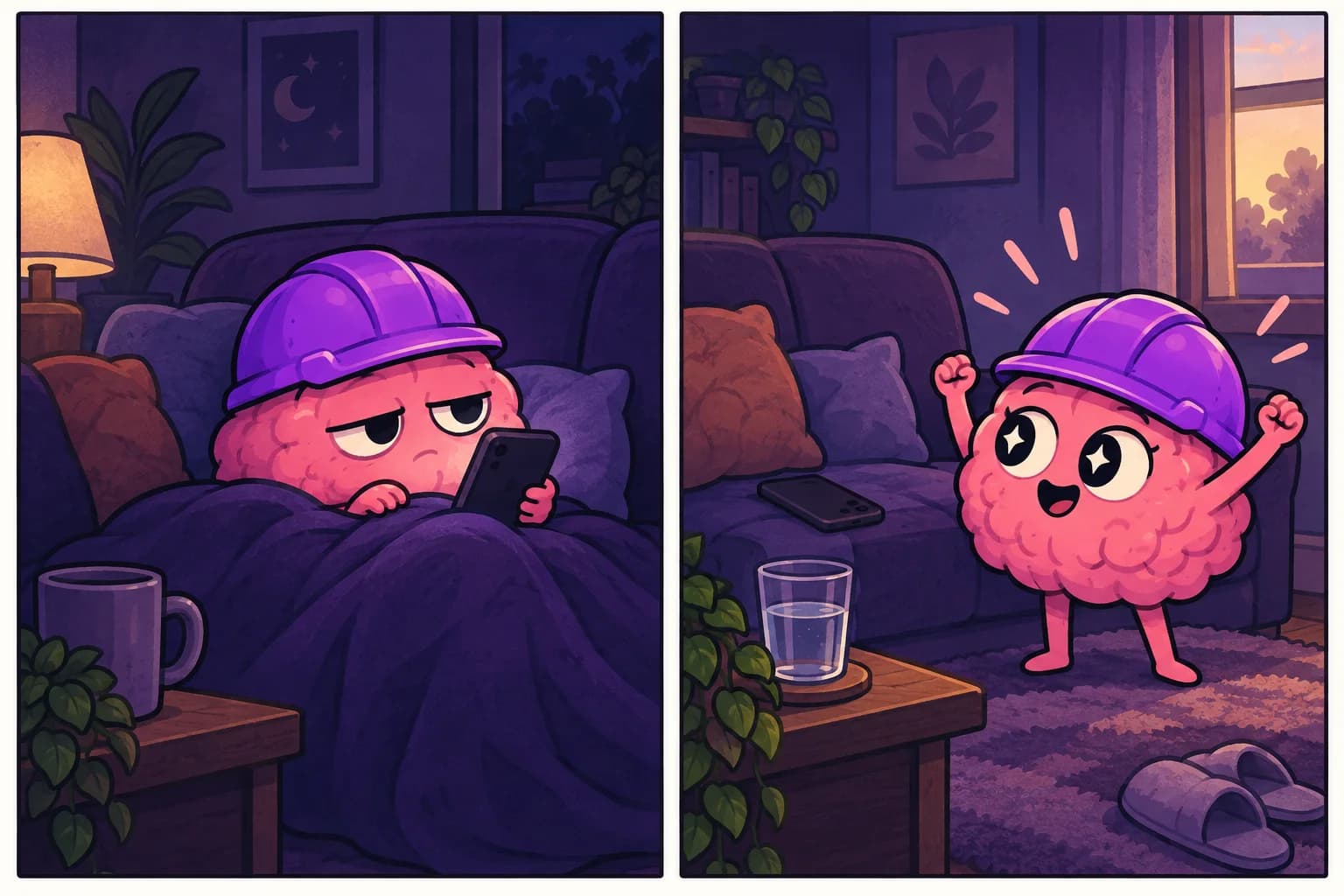
What to do instead of scrolling — by situation
Bored, killing time: look out a window and actually notice something. Refill your water. Do 10 slow breaths. Text one person a real message.
Anxious or overwhelmed: stand up and stretch. Step outside for 60 seconds. Write down the one thing that's actually bugging you.
Avoiding a task: set a timer for 2 minutes on the task you're dodging. Two minutes, then you're free. Usually you keep going.
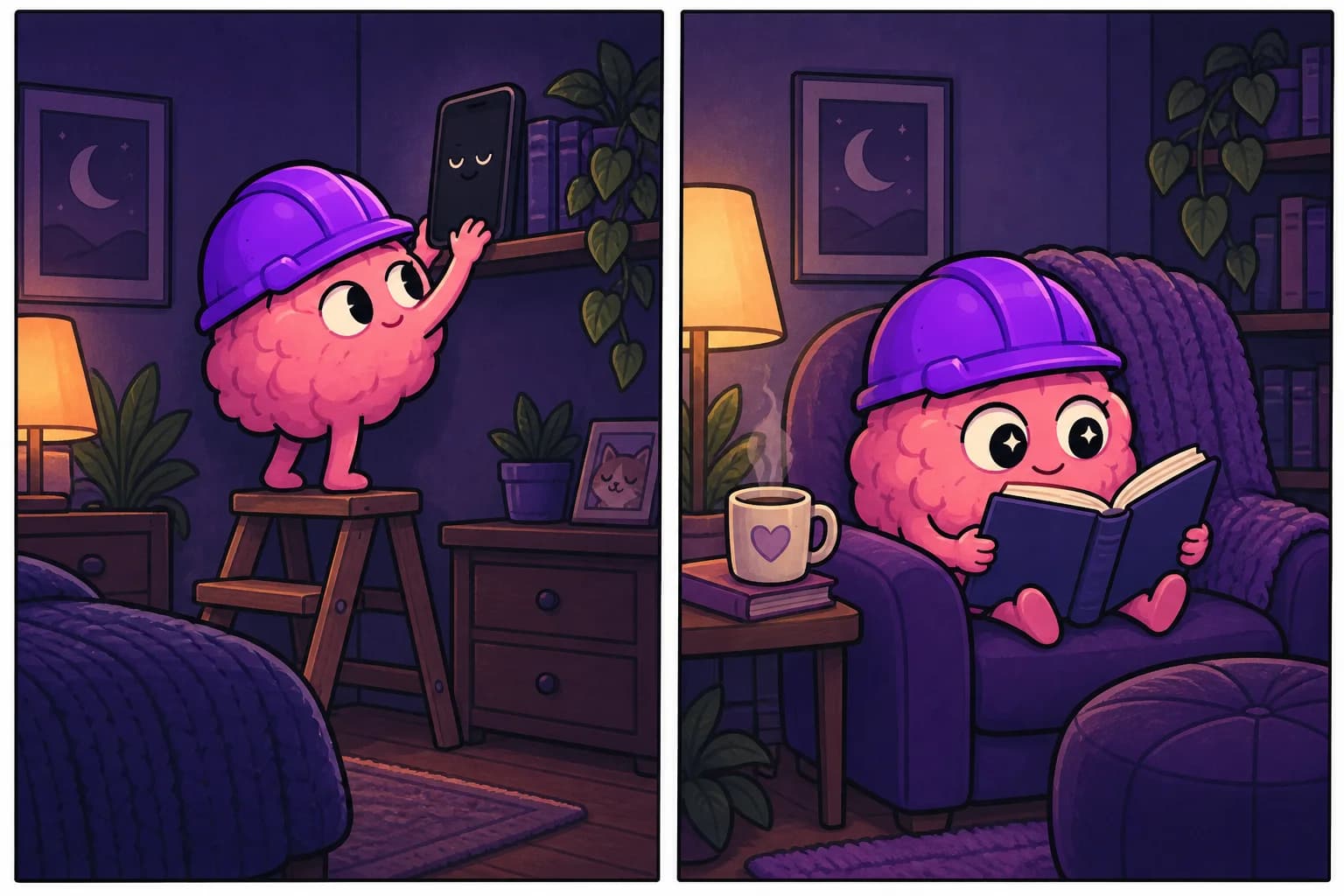
Winding down at night: read one page of a paper book. Make tea. Lie down and let yourself be bored — sleep comes to boredom, not to blue light.
Waiting (line, elevator, kettle): just wait. Let your mind wander. This is where ideas actually show up.
Make the phone the harder choice
Redirects work better when the feed isn't right there. A few low-effort moves: move social apps off your home screen, turn the screen to grayscale, keep a book or notebook physically closer than your phone in the spots you scroll most. You're not banning the phone — you're adding two seconds of friction, which is often enough for the reflex to lose.
The honest goal
You're not trying to never touch your phone. You're trying to make scrolling a choice again instead of a twitch. Every time you do the one thing instead, you weaken the reflex a little.
This is the whole idea behind UghOkay: instead of blocking you, it hands you one small thing to do instead the moment you'd normally open the feed. Redirect, not restrict — because "do this instead" beats "don't" almost every time.
FAQ
What's the single best thing to do instead of scrolling? Whatever you'll actually do without thinking. For most people it's a physical micro-action — stand up, drink water, step outside — because it breaks the loop instantly.
Why do I scroll even when I'm not enjoying it? Because it's automatic and frictionless. The habit isn't about enjoyment; it's about filling a gap. Give the gap something else to fill it.
Do I need to quit social media entirely? No. The goal is to make it intentional, not to go cold turkey. Redirecting the reflex is more sustainable than a total ban.