
Bedtime gets all the attention in screen-time advice, and it's genuinely a good target — but it's not the only window that matters, and for a lot of people, it's not even the most impactful one. Here's a fuller picture of when putting the phone down actually pays off.
Bedtime (the well-known one)
Screens before sleep delay melatonin release and keep your brain in an alert, stimulated state right when it needs to wind down. The fix everyone's heard — phone out of the bedroom, or at least across the room — works precisely because it removes the easiest possible reach. A charging dock outside the bedroom is a small change with an outsized effect here.
The first 15 minutes after waking up
This one gets less attention but matters just as much: reaching for your phone before you're even fully awake sets the entire day's default mode to "reactive" — you're absorbing other people's notifications and news before you've had a single unprompted thought of your own. Delaying the first check by even 15-20 minutes (make coffee, get dressed, look out a window) keeps that first stretch of the day yours.

Transition moments
The gap between one activity and the next — finishing a work task, ending a call, walking from one room to another — is where a huge share of "automatic" checks happen. It's not that you need something; it's that your brain wants something to fill the half-second gap, and the phone is the fastest available option. These transition pickups add up to far more total time than people estimate, precisely because each one feels too small to matter.
Meals
Eating while scrolling splits your attention in a way that dulls both the food and whatever's on the screen — you end up half-present for each. It's also one of the easiest windows to protect, because it's already a defined block of time with a natural start and end, unlike "free time" in general.
The 20 minutes before a hard task
If you're about to do something that requires real focus — writing, a difficult conversation, deep work — checking your phone right before is one of the most efficient ways to sabotage it. It's much easier to keep the momentum you already have than to rebuild focus after a scroll break resets your attention.
Why "all day, never" isn't the actual goal
The point isn't zero phone use — it's protecting the specific windows where a phone check has an outsized cost: your first thoughts of the day, your sleep, your presence with other people, your ability to start focused work. Everywhere else matters less. Trying to eliminate phone use everywhere, all the time, is exactly the kind of all-or-nothing goal that tends to collapse within a week — see how to make your phone boring for changes that work with your habits instead of against them constantly.
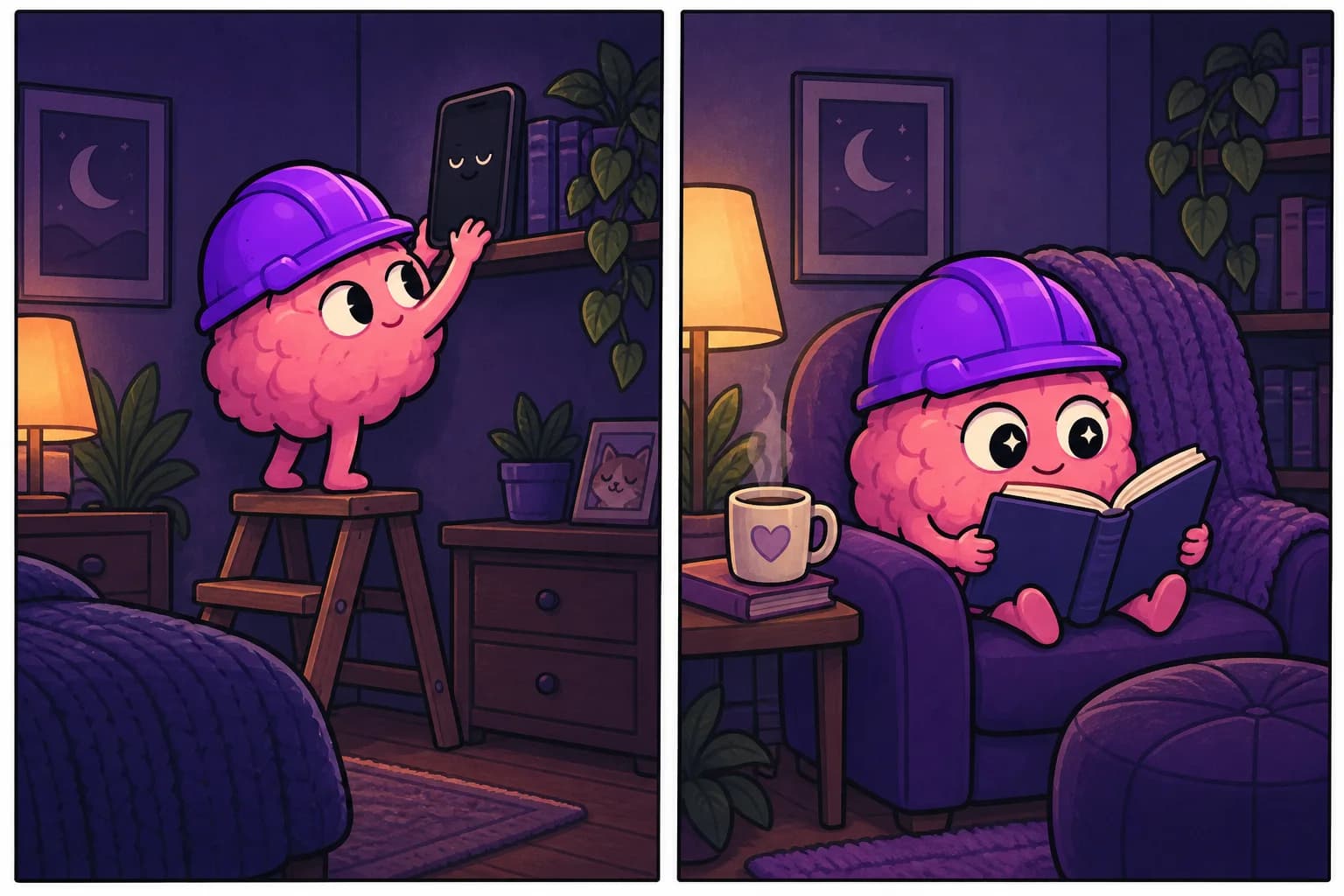
Pick the windows, protect them
You don't need a perfect system — pick two or three of the windows above that hit you hardest (morning, meals, before-bed are a strong starting trio) and protect just those consistently, rather than trying to overhaul every moment of your day at once.
For the moments you slip anyway
Even with the best windows protected, the reflex will still fire sometimes. UghOkay is there for exactly that moment — one small thing to do instead of the feed, no matter what time of day the pull shows up.
FAQ
Is morning phone use really worse than other times? It sets the tone for the whole day's attention pattern, which is why many people find protecting it has a disproportionate effect compared to its short duration.
Do I need to protect all these windows at once? No — pick two or three that matter most to you and be consistent there. A few protected windows beats an ambitious plan that covers everything and lasts three days.
What if my job requires being on my phone during these times? Adapt the principle rather than the exact window — protect whatever transition or focus moments you do control, even if meals or mornings aren't realistic for your schedule.